

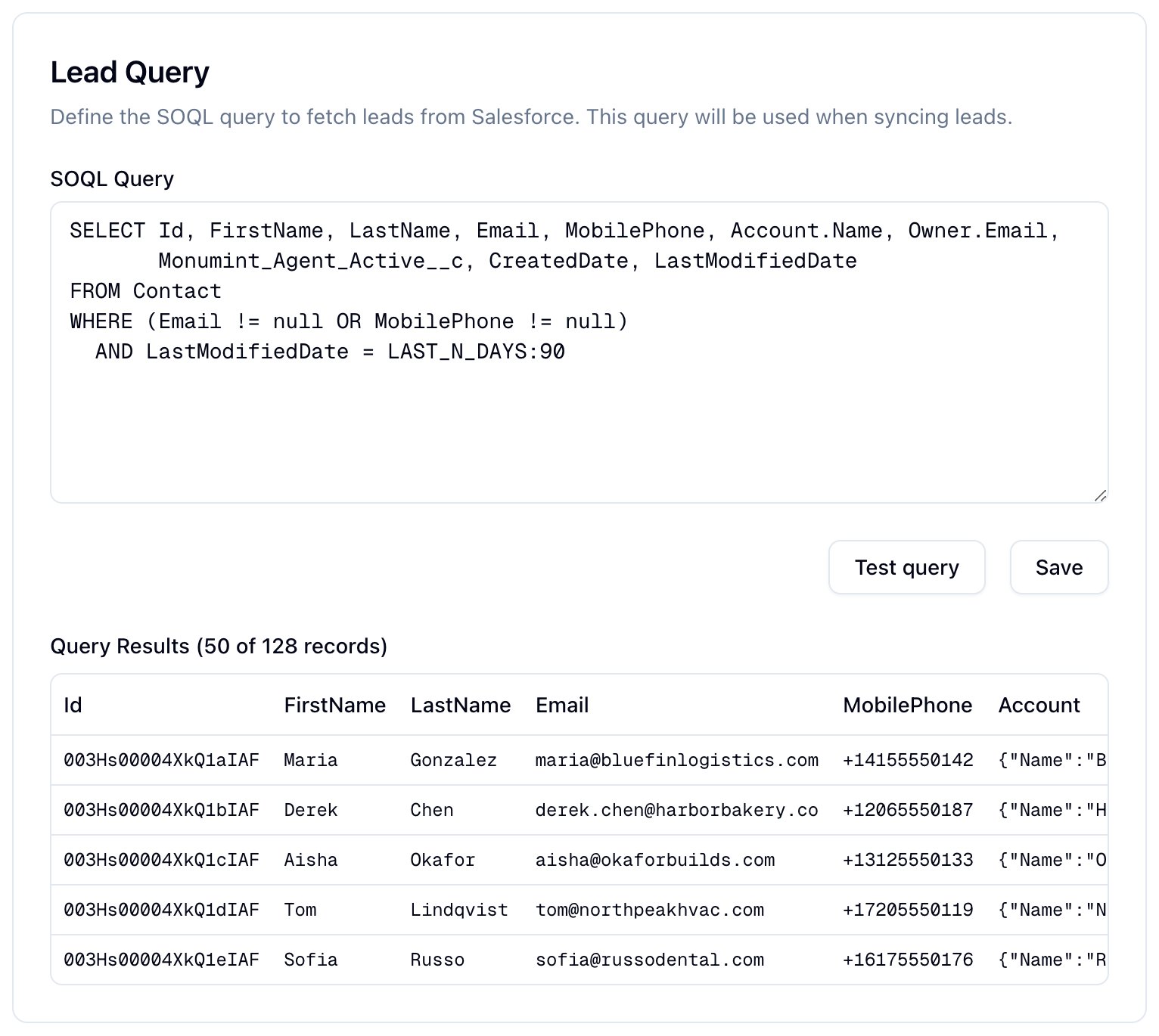
Return one row per person
Monumint treats every row as a separate lead, so a person who appears twice gets contacted twice. Base the query on the Contact or Lead object, where each person has exactly one record. Avoid starting from Opportunity, Account, or a custom application object, because those can have many rows for the same person. To include data from a related record, read it through a parent relationship such asAccount.Name or Owner.Email. Parent relationships never add rows.
Recommended query
FROM Lead, use Company in place of Account.Name, and add IsConverted = false so a converted lead and its contact are not both synced.
Keep these rules in mind as you adjust the query:
- Always select
Id. Monumint uses it to match each row to the same lead on every sync. - Select every field you plan to map or filter on.
- Keep the agent on/off condition out of the
WHEREclause. Records that drop out of the query stop syncing, so Monumint can never hand them back to your team. Use Agent Active instead.